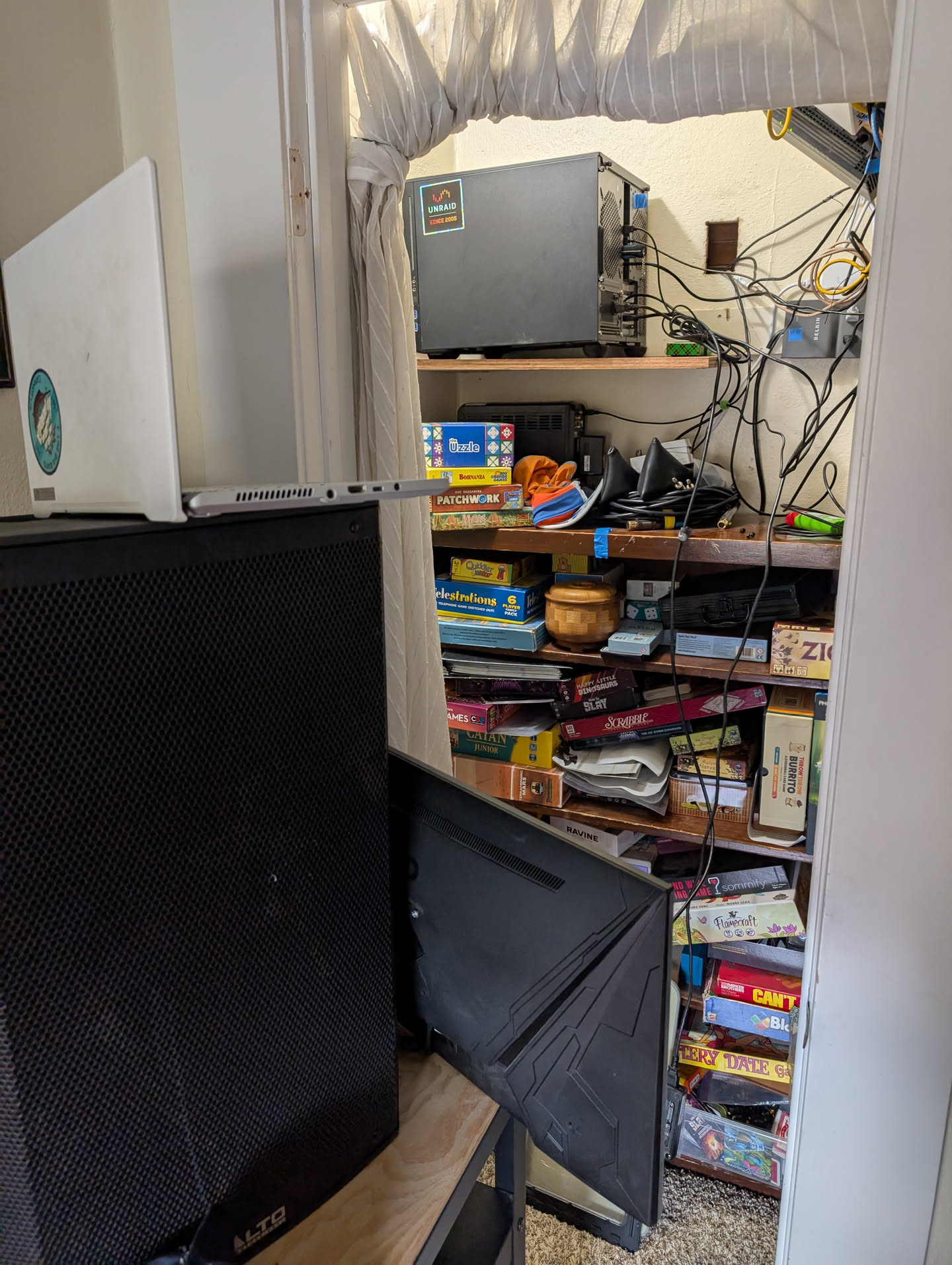
I recently upgrade my headless unRaid server with a Sparkle Intel Arc A310 ECO. The ASRock X570M Pro4 no longer posts without a real monitor plugged in.
Of course the CPU I have doesn’t not have onboard video, so those are dead.
The Sparkle card only has 1x HDMI 2.0b, 2x mini-DisplayPort. Looks like my PiKVM V3 Pre-Assembled might be getting a little dated.
Clearly I need this thing to POST and boot. But I want to have my cake and eat it too:
Will the newest PiKVM be detected as a real monitor by this Sparkle card?
You should be able to get it working with the v3, but I believe the issue is that a lot of the Intel cards assume 60Hz refresh rate so you may want to set your EDID to only present a 720p 60Hz signal since the v3 can only do 50Hz at 1080p, and that is probably the “default” resolution the Intel cards (and the NUCs iirc) end up trying to use if you don’t restrict them.
I’m not sure why/how the PiKVM would be preventing the system from doing a POST, it just might not be able to show you the POST process and would only be able to pull a video stream once the GUI of the Unraid server came up (if you have GUI enabled, otherwise it might stay blank because the terminal/VTY resolution isn’t one supported by a v3 PiKVM). If you override the boot resolution via the Grub cmdline then you might be able to view the whole process.
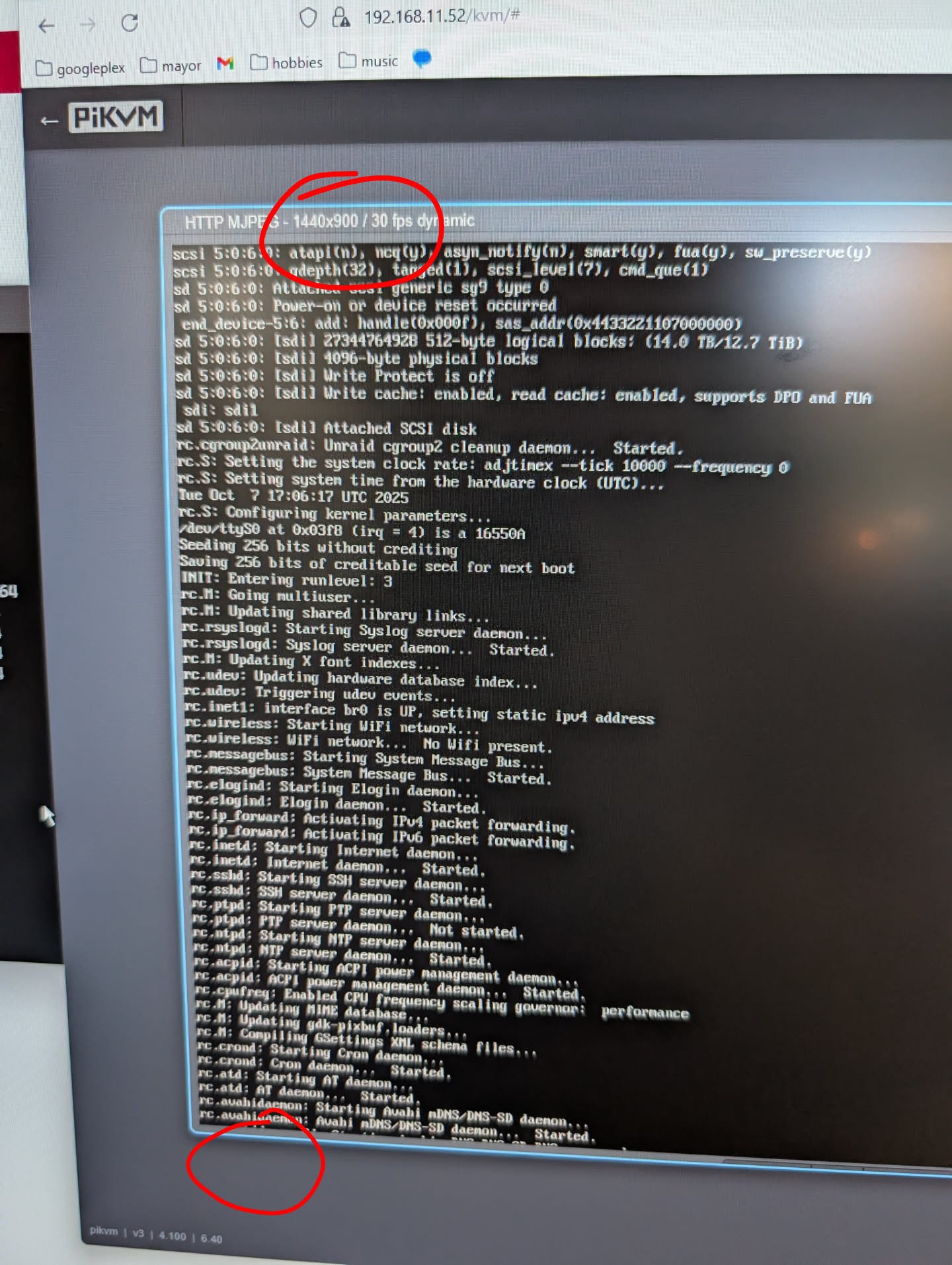
I managed to get the EDID changed following those steps. I chose the EDID listed on the page for the ASROCK motherboard. It was not 720p - probably why the bottom of the screen is cut off and I can’t see what I’m typing. BUT I think it’s working. The real test will be if I can reboot the server and it comes up. I’ll get around to that later
A few more updates. After applying some of those EDID changes, server posts correctly, so all good there.
Now, the resolution seems to cut off the stuff at the bottom. So the resolution is 1440x900. I can’t drag and resize the screen to get more y-axis height.
I think for some reason the dragging to resize only works at the bottom right corner, not sure if that is an oversight or working as intended, but if you choose one of the scaling options on the right side to fill the tab or to go full screen is part of the screen still cut off?