Hello,
I just installed an OLED and edited the /boot/config.txt and /etc/modules-load.d/kvmd.conf files per this article: DIY PiKVM using Raspberry Pi Zero 2 W with OLED screen
After a reboot, the system is showing the following error:
Any thoughts on what I might be able to do to correct this issue?
Thanks in advance![root@pikvm kvmd-webterm]# systemctl status kvmd-oled
* kvmd-oled.service - PiKVM - A small OLED daemon
     Loaded: loaded (/usr/lib/systemd/system/kvmd-oled.service; enabled; preset: disabled)
     Active: activating (auto-restart) (Result: exit-code) since Thu 2025-10-30 03:11:04 UTC; 278ms ago
 Invocation: 6907ba7642d0473e8d8fc2e8c4e98a8b
    Process: 756 ExecStartPre=/usr/bin/kvmd-oled --interval=3 --clear-on-exit --image=@hello.ppm (code=exited, status=1/FAILURE)
        CPU: 4.080s
[root@pikvm kvmd-webterm]# journalctl -xeu kvmd-oled
Oct 30 03:11:19 pikvm systemd[1]: kvmd-oled.service: Failed with result 'exit-code'.
Oct 30 03:11:19 pikvm systemd[1]: Failed to start PiKVM - A small OLED daemon.
Oct 30 03:11:19 pikvm systemd[1]: kvmd-oled.service: Consumed 4.038s CPU time.
Oct 30 03:11:22 pikvm systemd[1]: kvmd-oled.service: Scheduled restart job, restart counter is at 12.
Oct 30 03:11:22 pikvm systemd[1]: Starting PiKVM - A small OLED daemon...
Oct 30 03:11:25 pikvm kvmd-oled[815]: Traceback (most recent call last):
Oct 30 03:11:25 pikvm kvmd-oled[815]:   File "/usr/lib/python3.13/site-packages/luma/core/interface/serial.py", line 93, in command
Oct 30 03:11:25 pikvm kvmd-oled[815]:     self._bus.write_i2c_block_data(self._addr, self._cmd_mode,
Oct 30 03:11:25 pikvm kvmd-oled[815]:     ~~~~~~~~~~~~~~~~~~~~~~~~~~~~~~^^^^^^^^^^^^^^^^^^^^^^^^^^^^
Oct 30 03:11:25 pikvm kvmd-oled[815]:                                    list(cmd))
Oct 30 03:11:25 pikvm kvmd-oled[815]:                                    ^^^^^^^^^^
Oct 30 03:11:25 pikvm kvmd-oled[815]:   File "/usr/lib/python3.13/site-packages/smbus2/smbus2.py", line 643, in write_i2c_block_data
Oct 30 03:11:25 pikvm kvmd-oled[815]:     ioctl(self.fd, I2C_SMBUS, msg)
Oct 30 03:11:25 pikvm kvmd-oled[815]:     ~~~~~^^^^^^^^^^^^^^^^^^^^^^^^^
Oct 30 03:11:25 pikvm kvmd-oled[815]: OSError: [Errno 5] Input/output error
Oct 30 03:11:25 pikvm kvmd-oled[815]: During handling of the above exception, another exception occurred:
Oct 30 03:11:25 pikvm kvmd-oled[815]: Traceback (most recent call last):
Oct 30 03:11:26 pikvm kvmd-oled[815]:   File "/usr/bin/kvmd-oled", line 7, in <module>
Oct 30 03:11:26 pikvm kvmd-oled[815]:     sys.exit(main())
Oct 30 03:11:26 pikvm kvmd-oled[815]:              ~~~~^^
Oct 30 03:11:26 pikvm kvmd-oled[815]:   File "/usr/lib/python3.13/site-packages/kvmd/apps/oled/__init__.py", line 206, in main
Oct 30 03:11:26 pikvm kvmd-oled[815]:     asyncio.run(_run(options))
Oct 30 03:11:26 pikvm kvmd-oled[815]:     ~~~~~~~~~~~^^^^^^^^^^^^^^^
Oct 30 03:11:26 pikvm kvmd-oled[815]:   File "/usr/lib/python3.13/asyncio/runners.py", line 195, in run
Oct 30 03:11:26 pikvm kvmd-oled[815]:     return runner.run(main)
Oct 30 03:11:26 pikvm kvmd-oled[815]:            ~~~~~~~~~~^^^^^^
Oct 30 03:11:26 pikvm kvmd-oled[815]:   File "/usr/lib/python3.13/asyncio/runners.py", line 118, in run
Oct 30 03:11:26 pikvm kvmd-oled[815]:     return self._loop.run_until_complete(task)
Oct 30 03:11:26 pikvm kvmd-oled[815]:            ~~~~~~~~~~~~~~~~~~~~~~~~~~~~~^^^^^^
Oct 30 03:11:26 pikvm kvmd-oled[815]:   File "/usr/lib/python3.13/asyncio/base_events.py", line 725, in run_until_complete
Oct 30 03:11:26 pikvm kvmd-oled[815]:     return future.result()
Oct 30 03:11:26 pikvm kvmd-oled[815]:            ~~~~~~~~~~~~~^^
Oct 30 03:11:26 pikvm kvmd-oled[815]:   File "/usr/lib/python3.13/site-packages/kvmd/apps/oled/__init__.py", line 70, in _run
Oct 30 03:11:26 pikvm kvmd-oled[815]:     device = luma_cmdline.create_device(options)
Oct 30 03:11:26 pikvm kvmd-oled[815]:   File "/usr/lib/python3.13/site-packages/luma/core/cmdline.py", line 241, in create_device
Oct 30 03:11:26 pikvm kvmd-oled[815]:     device = Device(serial_interface=interface(), **params)
Oct 30 03:11:26 pikvm kvmd-oled[815]:   File "/usr/lib/python3.13/site-packages/luma/oled/device/__init__.py", line 262, in __init__
Oct 30 03:11:26 pikvm kvmd-oled[815]:     self.command(
Oct 30 03:11:26 pikvm kvmd-oled[815]:     ~~~~~~~~~~~~^
Oct 30 03:11:26 pikvm kvmd-oled[815]:         self._const.DISPLAYOFF,
Oct 30 03:11:26 pikvm kvmd-oled[815]:         ^^^^^^^^^^^^^^^^^^^^^^^
Oct 30 03:11:26 pikvm kvmd-oled[815]:     ...<11 lines>...
Oct 30 03:11:26 pikvm kvmd-oled[815]:         self._const.DISPLAYALLON_RESUME,
Oct 30 03:11:26 pikvm kvmd-oled[815]:         ^^^^^^^^^^^^^^^^^^^^^^^^^^^^^^^^
Oct 30 03:11:26 pikvm kvmd-oled[815]:         self._const.NORMALDISPLAY)
Oct 30 03:11:26 pikvm kvmd-oled[815]:         ^^^^^^^^^^^^^^^^^^^^^^^^^^
Oct 30 03:11:26 pikvm kvmd-oled[815]:   File "/usr/lib/python3.13/site-packages/luma/core/device.py", line 48, in command
Oct 30 03:11:26 pikvm kvmd-oled[815]:     self._serial_interface.command(*cmd)
Oct 30 03:11:26 pikvm kvmd-oled[815]:     ~~~~~~~~~~~~~~~~~~~~~~~~~~~~~~^^^^^^
Oct 30 03:11:26 pikvm kvmd-oled[815]:   File "/usr/lib/python3.13/site-packages/luma/core/interface/serial.py", line 98, in command
Oct 30 03:11:26 pikvm kvmd-oled[815]:     raise luma.core.error.DeviceNotFoundError(
Oct 30 03:11:26 pikvm kvmd-oled[815]:         'I2C device not found on address: 0x{0:02X}'.format(self._addr))
Oct 30 03:11:26 pikvm kvmd-oled[815]: luma.core.error.DeviceNotFoundError: I2C device not found on address: 0x3C
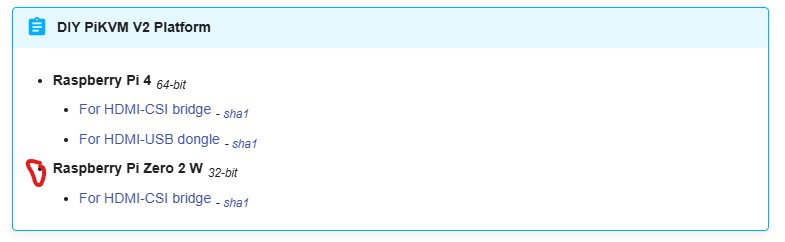
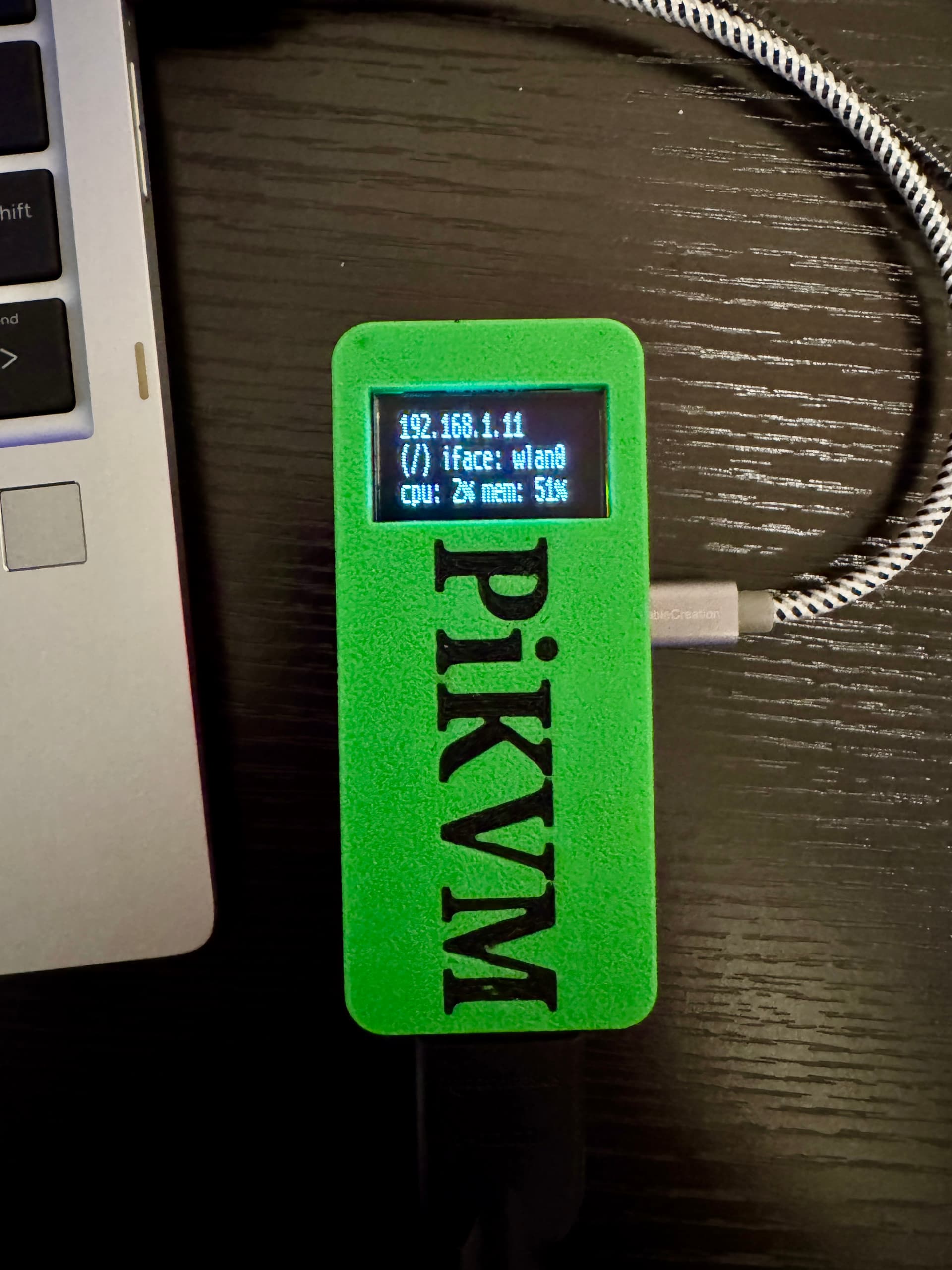
The system is comprised of a Raspberry Pi Zero 2 W running the latest PiKVM OS, v4.110. Any thoughts on what I might be able to do to correct this error? The OLED display is just blacked out, like it’s off. The PiKVM is otherwise running normally.
Thanks in advance!